<!doctype html>
<html>
<head>
	<meta charset="utf-8">
	<title>Force Google Robots.txt Update</title>
</head>
<body>

<h1>Force Google to update robots.txt using Webmaster tools</h1>

<p>Webmaster tools does not allow forced updating for testing your robots.txt. Using this method you can force Googlebot to refresh it and verify changes switfly, instead of waiting for an automatic update.</p>


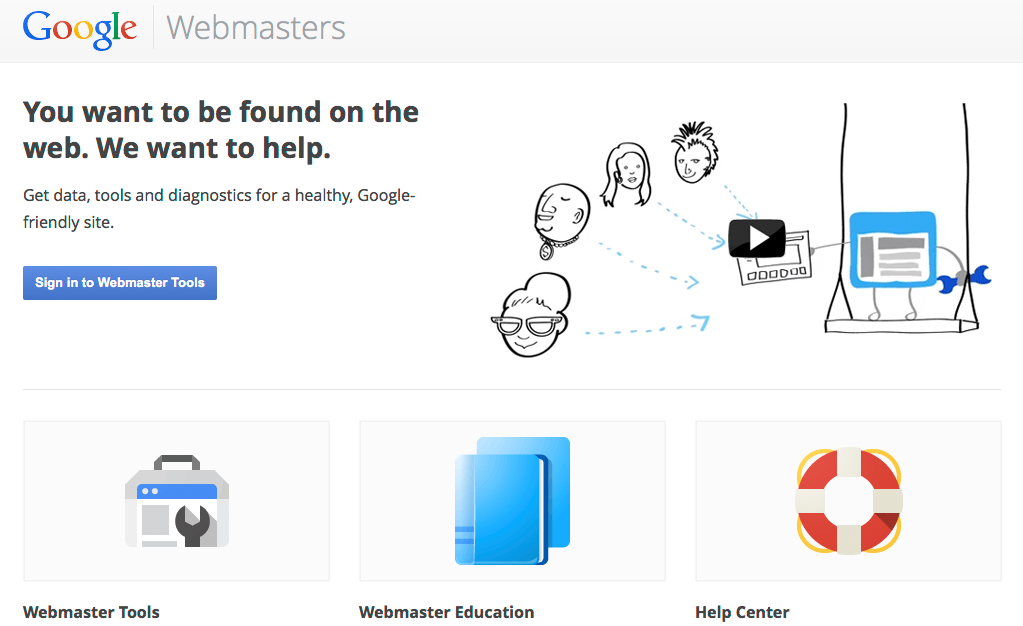
<p>1. login to <a href="http://www.google.com/webmasters/">Google Webmasters</a> and select the verified site you want to work with.</p>

<img src="a.png" alt="webmaster tools a" />


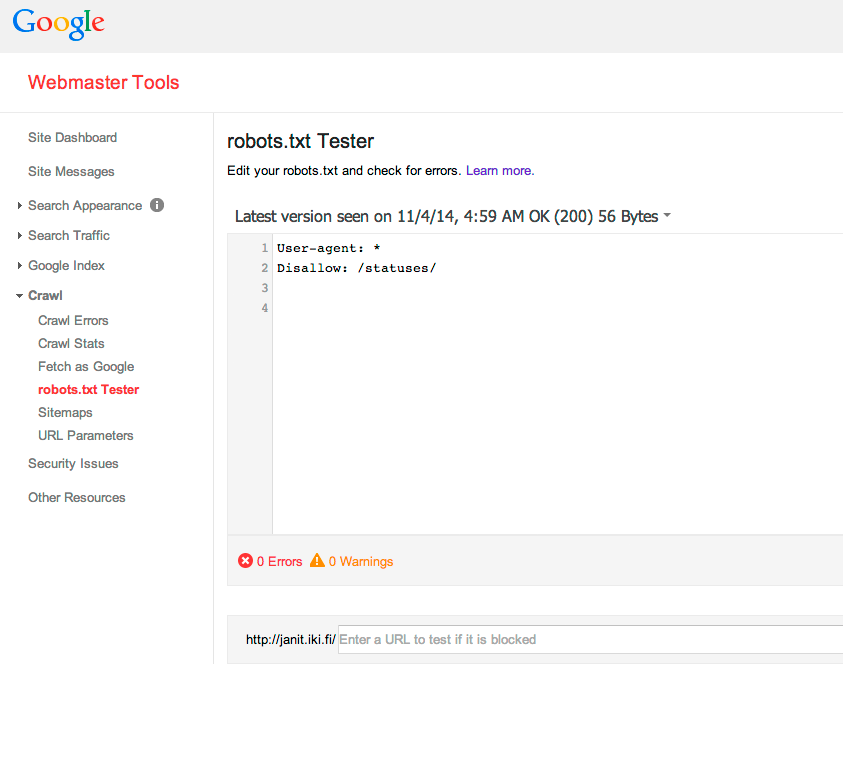
<p>2. Open "Crawl > robots.txt Tester". And see your current robots.txt (according to Google's cache).<p/>

<img src="1.png" alt="webmaster tools 1" />

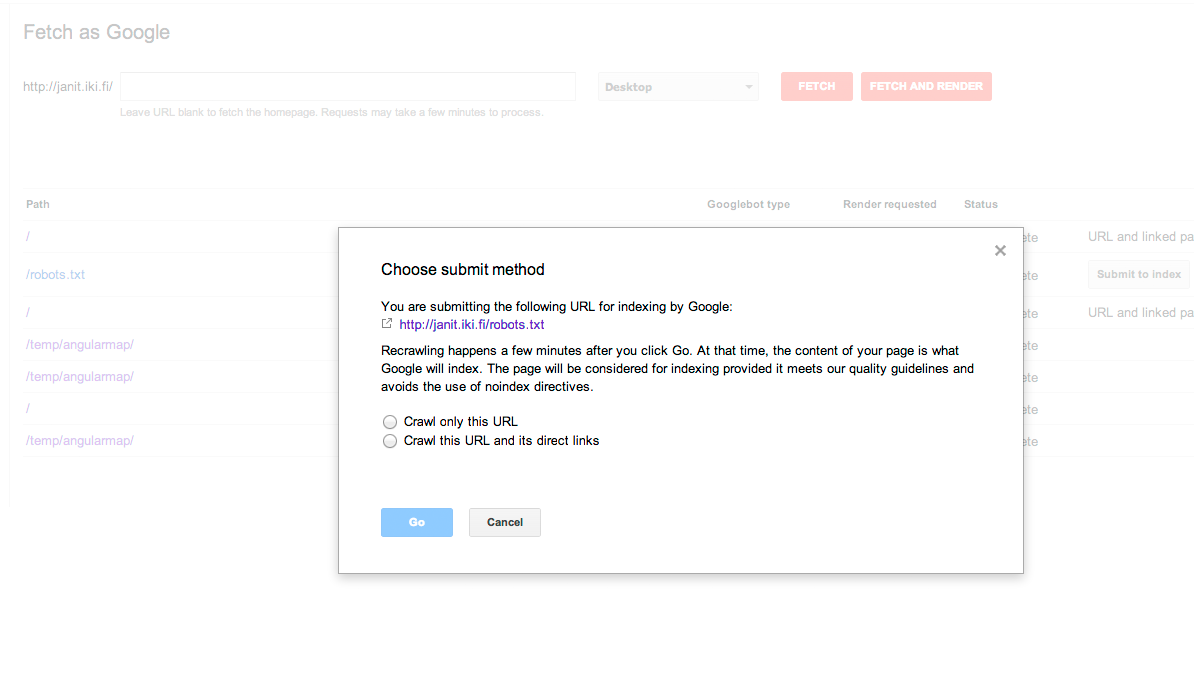
<p>3.Open "Crawl > Fetch as Google" and do a request for /robots.txt. After the fetch is complete click the "Submit to index" button and only crawl this URL (this has a limit of 500 per month).</p>

<img src="2.png" alt="webmaster tools 2" />

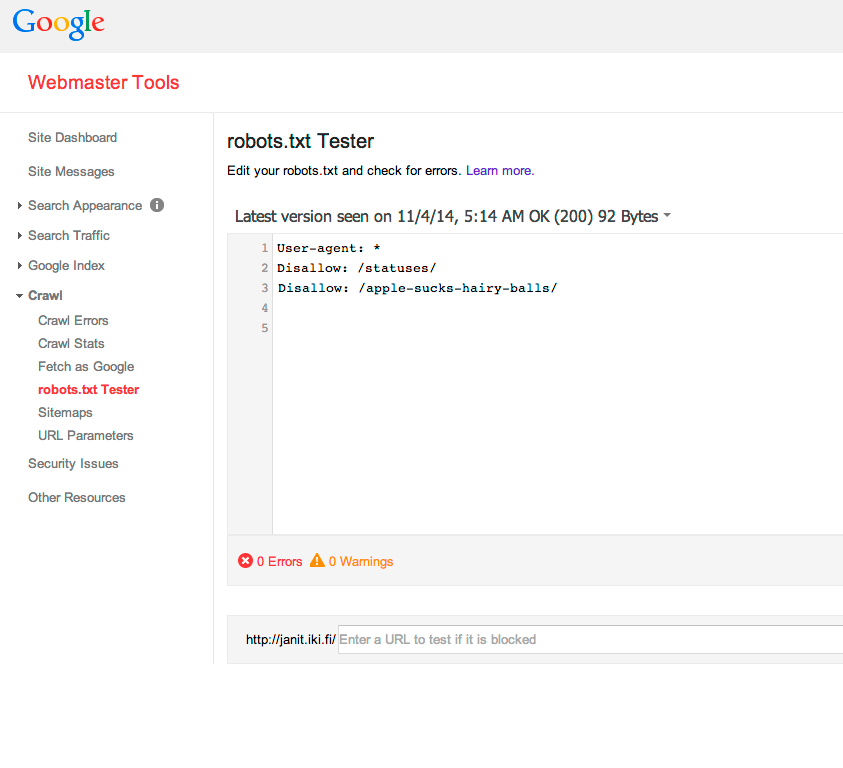
<p>4. Behold, your robots.txt is updated.</p>

<img src="3.png" alt="webmaster tools 3" />

<script type="text/javascript">

  var _gaq = _gaq || [];
  _gaq.push(['_setAccount', 'UA-61267-3']);
  _gaq.push(['_trackPageview']);

  (function() {
    var ga = document.createElement('script'); ga.type = 'text/javascript'; ga.async = true;
    ga.src = ('https:' == document.location.protocol ? 'https://ssl' : 'http://www') + '.google-analytics.com/ga.js';
    var s = document.getElementsByTagName('script')[0]; s.parentNode.insertBefore(ga, s);
  })();

</script>

</body>
</html>